
Features built to automate alignment and insight
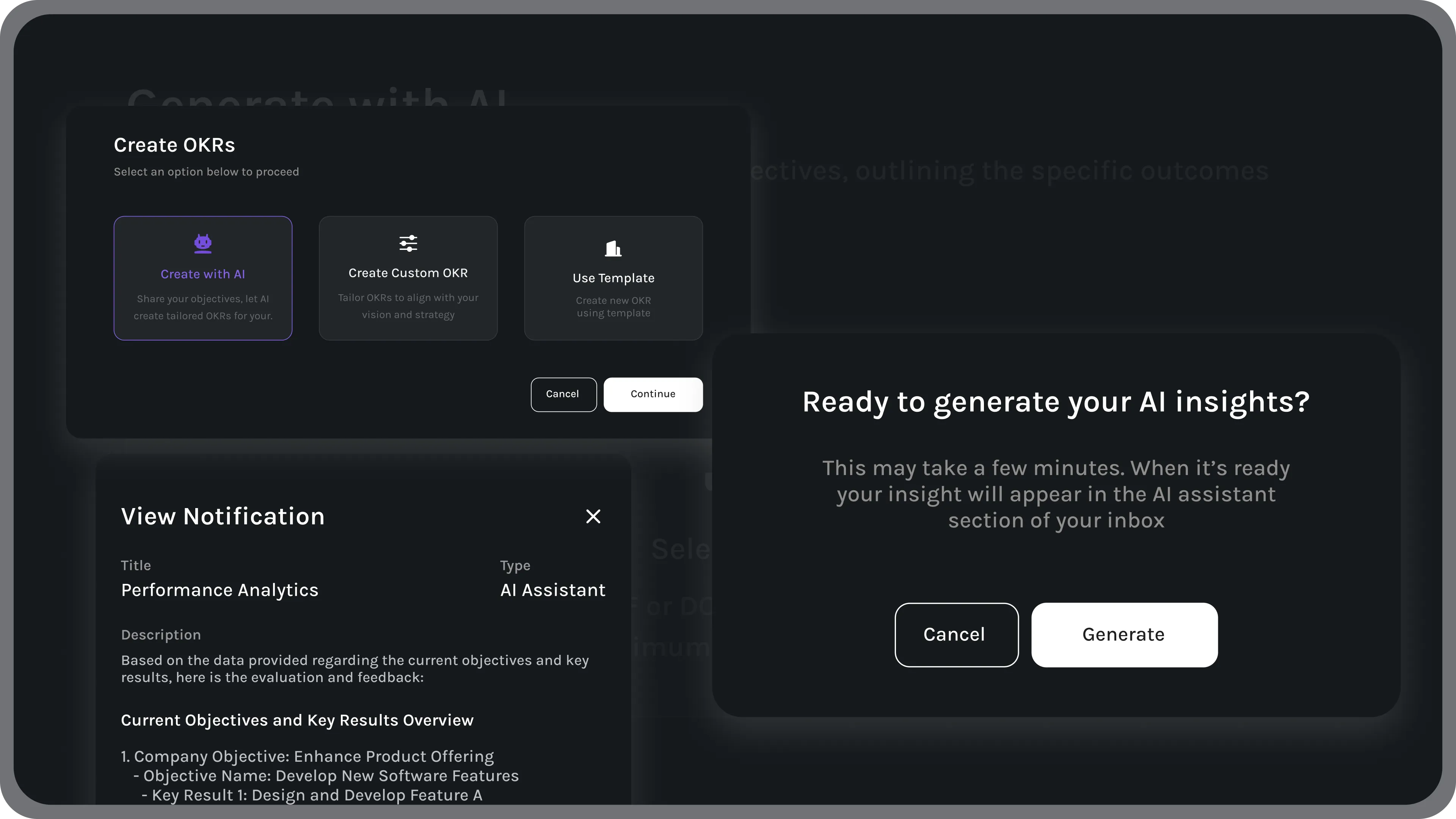
Incipio’s AI Assistant transforms scattered data into structured understanding. It analyzes activity across OKRs, reviews, and feedback to reveal where progress is accelerating or slowing—so leaders can act before issues grow.
Text teams, sharpen clarity, accelerate progress.
Real-time intelligence transforms scattered data into clear, actionable insight—helping leaders understand what’s working, where focus is needed, and how performance evolves over time. With greater visibility, managers can make confident decisions, guide teams with precision, and strengthen accountability. As alignment improves, momentum builds naturally, allowing teams to learn faster, stay coordinated, and sustain meaningful progress across the entire organization.

Turn every insight into instant action
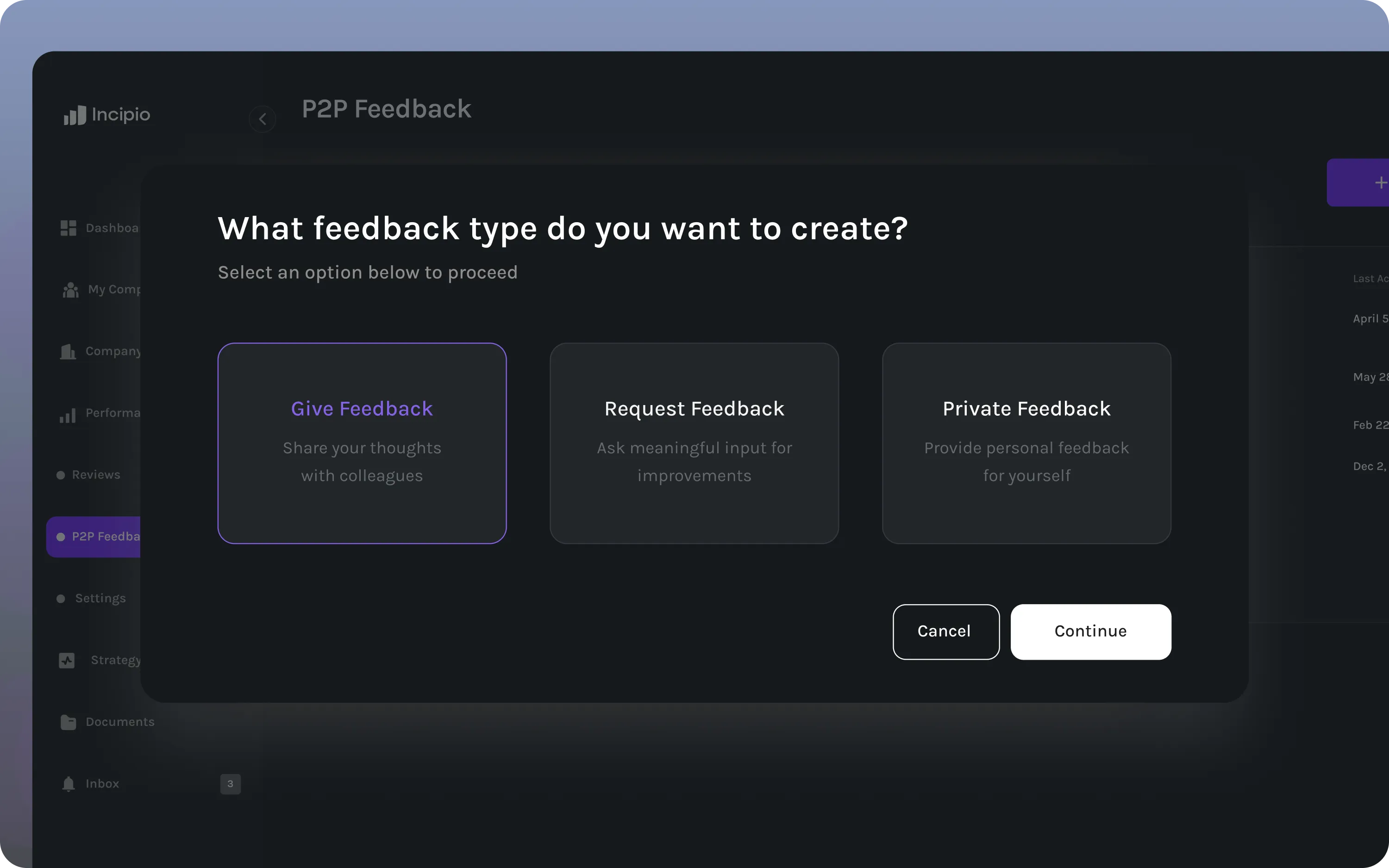
The AI Assistant identifies shifts in performance and recommends next steps in real time. Automate reminders, generate updates, and keep objectives aligned without manual check-ins.
Work smarter with intelligent support
The AI Assistant connects directly with your performance data to help leaders and teams act on what matters most. It surfaces priorities, predicts blockers, and keeps progress moving automatically.
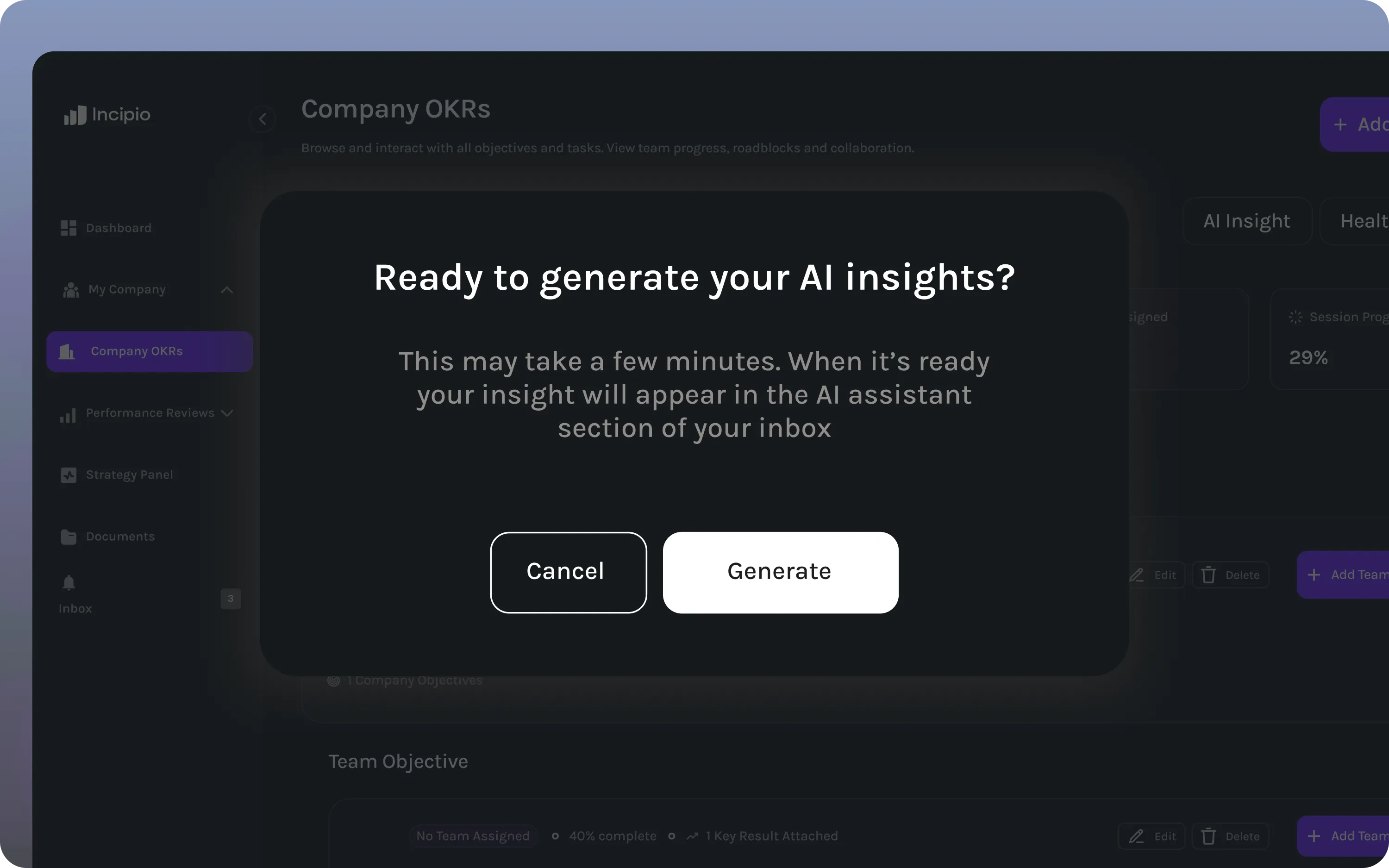
Goal recommendations
Get AI-driven suggestions for measurable goals based on real performance trends and company priorities.
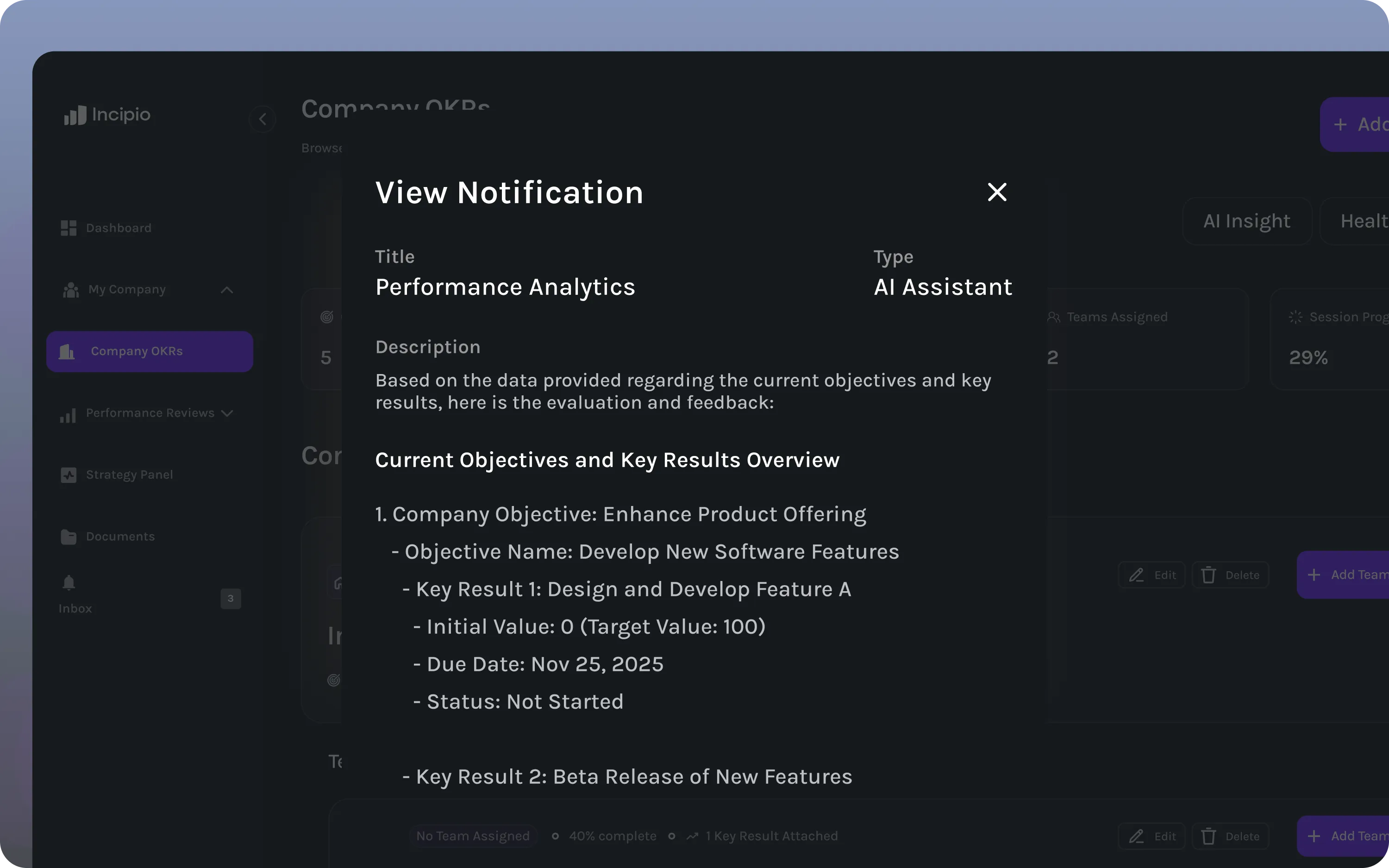
Performance insights
Receive daily summaries that highlight progress shifts, engagement changes, and alignment risks before they escalate.
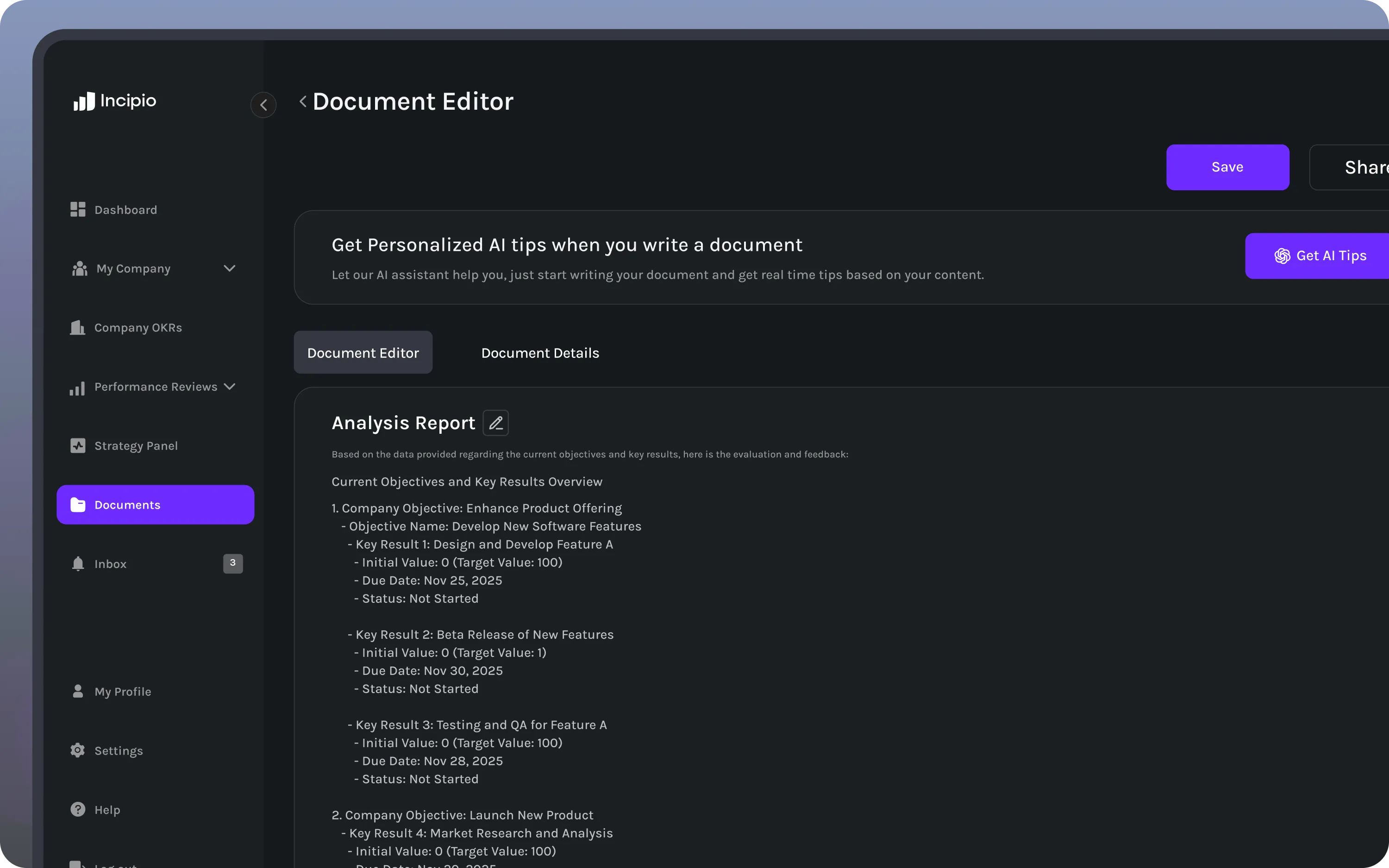
Smart automation
Automate reminders, feedback loops, and progress updates so teams stay on track without added overhead.
Intelligence that moves work forward
Incipio’s AI Assistant transforms performance data into clear, actionable insight. It spots what’s changing, predicts where support is needed, and helps leaders guide growth with confidence.
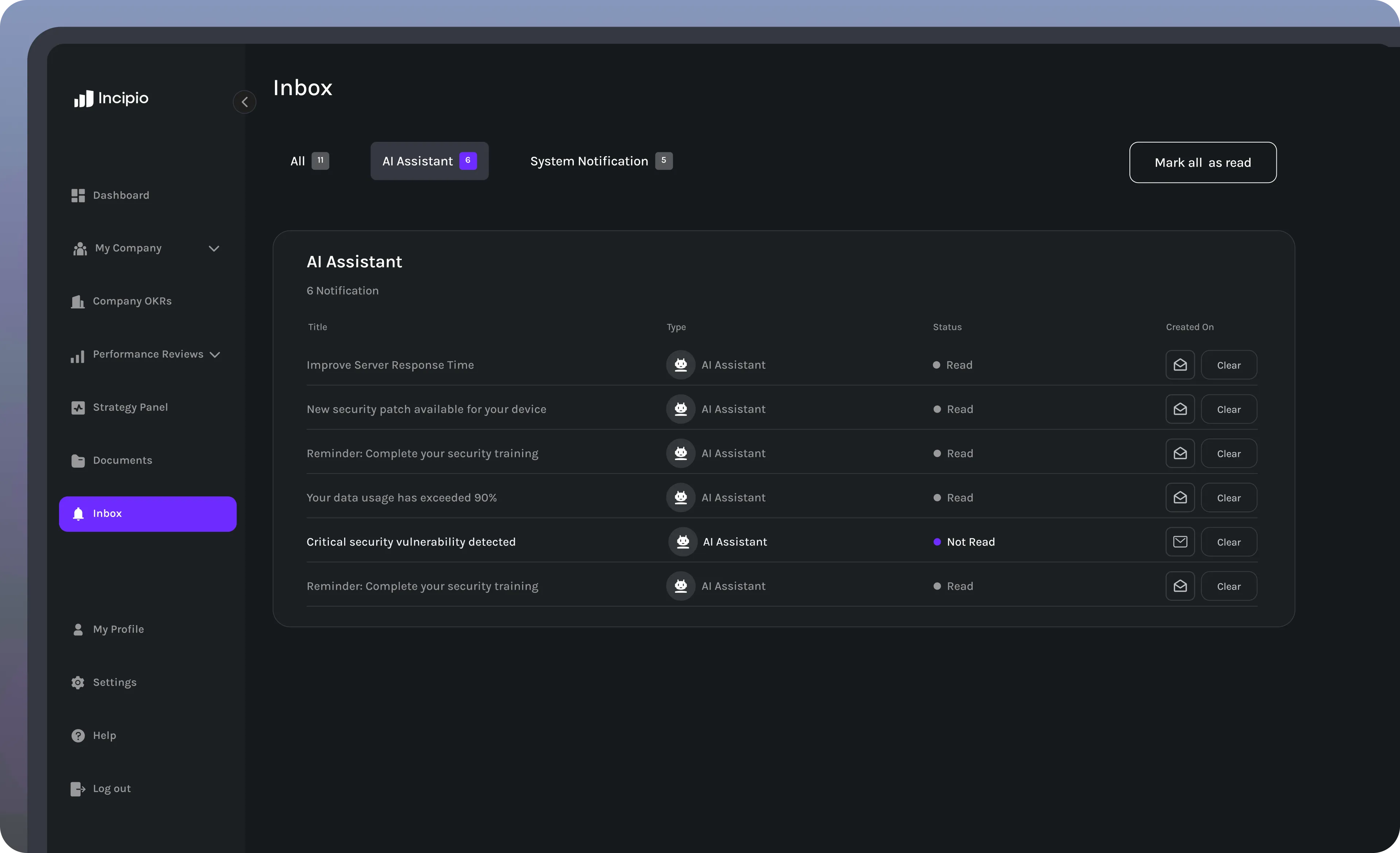
Predictive alerts
Anticipate performance shifts before they affect goals. The AI Assistant detects patterns in alignment, engagement, and delivery speed.
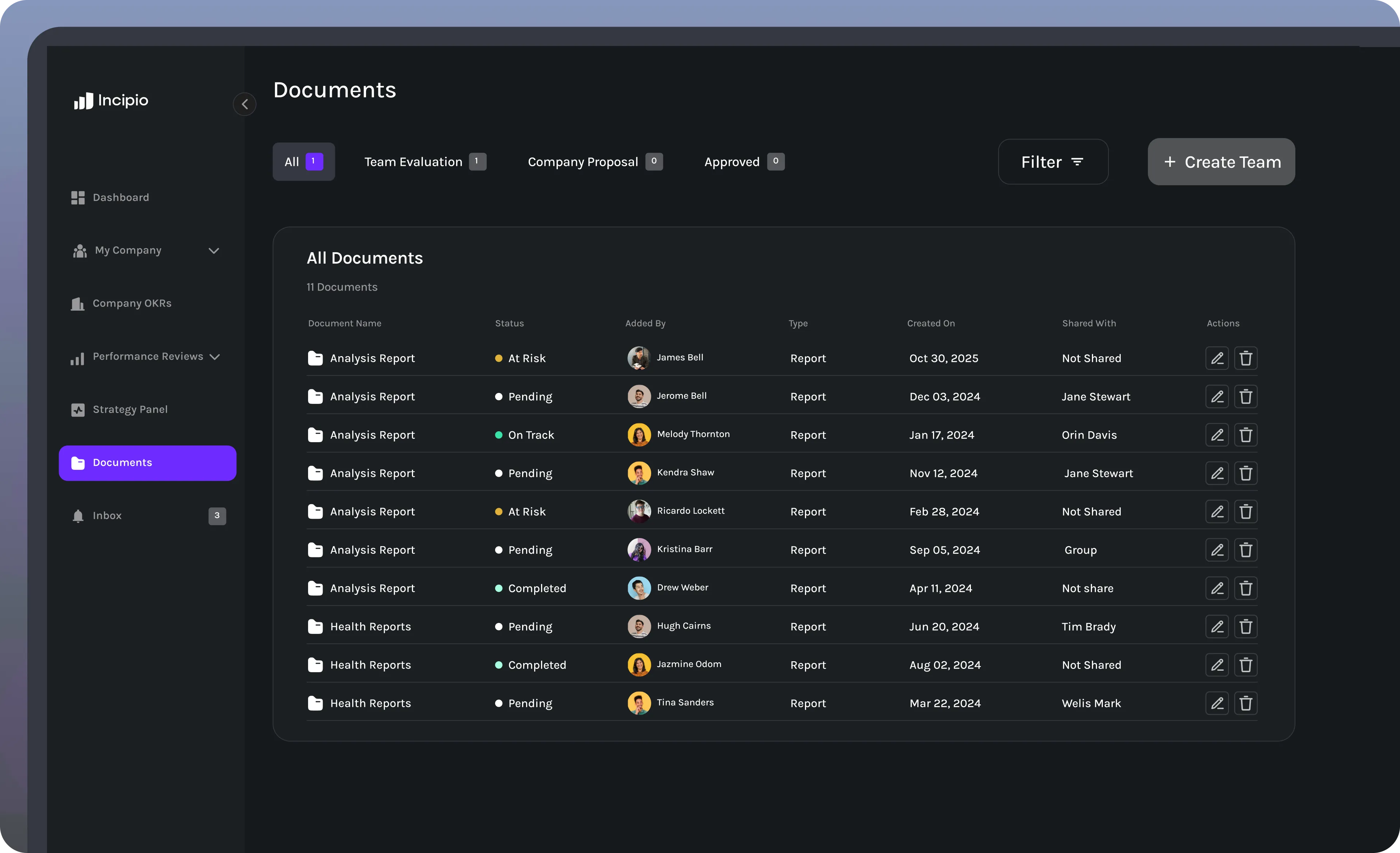
Automated reporting
Skip manual tracking. Get weekly summaries and context-rich insights directly from your team’s live data.
Performance coaching
Give managers an edge with AI-generated recommendations that turn real data into measurable action steps.
Where intelligence, alignment, and action work as one
The AI Assistant brings every element of performance together — strategy, goals, and execution — into one continuous loop of insight and improvement. It gives leaders a unified view of how progress is unfolding across the organization.
Performance visibility
See how goals, teams, and outcomes connect in real time. The AI Assistant helps you understand alignment at every level before it breaks.
Intelligent insights
Receive AI-driven updates that surface trends, risks, and wins across teams so you can respond with precision.
Continuous optimization
Turn data into daily action. Incipio’s AI Assistant learns from results and helps leaders refine goals, reviews, and strategy alignment over time.
See every signal in one view
The AI Assistant gives leaders a unified picture of team performance, alignment, and growth. From daily insights to long-term trends, it turns scattered data into clarity you can act on.
See alignment in action
Walk through Pre-OKR, OKRs, reviews, and the Alignment Score in a live demo.